Rental Property Appliance Inventory: An Owner Guide
A rental property appliance inventory lists owner-supplied equipment by property, unit, brand, model, and serial number. Link each appliance to label photos, manuals, purchase evidence, service history, and replacement requirements. Update the record after repairs and replacements so the next maintenance request starts with verified equipment information instead of guesswork.

Build an inventory you can use during a service call
A rental property appliance inventory connects each owner-supplied appliance to its location, identification label, purchase documents, service history, and replacement requirements. The goal is practical: when a resident reports a problem, the person arranging service can identify the equipment without guessing or starting a new search for the same information.
Start with one property and one consistent format. A spreadsheet and organized photo folder can work well for a small portfolio. A maintenance platform may be useful when several people update records. Choose a system that lets you find an appliance quickly, export its history, and distinguish current equipment from items that have been removed.
What belongs in a rental property appliance inventory?
Include appliances the owner supplies or maintains: refrigerators, ranges, dishwashers, built-in microwaves, washers, dryers, and any other equipment relevant to the rental. Identify the property, unit, appliance type, brand, full model and serial numbers, installation date when known, ownership, condition, and links to manuals and service records. Keep uncertain information clearly marked.
Do not assume that everything physically inside a rental belongs to the owner. Check your existing purchase and tenancy documents when ownership is unclear. Record a resident-owned appliance separately if it affects coordination, and avoid collecting unnecessary personal information. An inventory describes equipment; it does not independently establish maintenance responsibilities or change an agreement.
Use a short set of consistent fields
- Property and unit: use the same identifier used for maintenance requests.
- Asset ID: assign a unique reference, such as Unit12-Kitchen-Fridge-01.
- Identity: record appliance type, manufacturer, complete model number, and serial number.
- Evidence: link a clear label photo, overall photo, receipt, installation record, and manual.
- Service: record the latest issue, technician findings, repair, and follow-up status.
- Replacement fit: note dimensions, connections, access limitations, and installation requirements.
- Review: identify who last checked the record, the date, and any missing information.
How do you collect model and serial numbers?
Read the appliance's identification label and take a clear photograph, then enter the complete model and serial numbers into the inventory. Check the entry against the photo before saving it. If the label cannot be accessed safely, ask the service professional to capture it during a planned visit. Do not move connected equipment simply to complete a spreadsheet.
Preserve letters, leading zeros, and suffixes. Similar-looking models can have different parts or installation requirements. Keep the photo as evidence rather than relying only on a typed entry. If a number is unreadable, mark it as unverified and create a follow-up task. A guessed serial number can make a later warranty or recall inquiry harder.
Take a separate overall photo to show which appliance the label belongs to. Use filenames that start with the asset ID and date. Avoid including residents, personal documents, or unrelated belongings in photographs. Arrange access through your established process and follow applicable notice requirements; the inventory is a planning tool, not permission to enter a home.
Connect manuals, warranties, and installation details
Save the manufacturer's manual for the exact model where possible. Link to the official support page and keep a downloaded copy if your document system permits it. Record which document was matched to the appliance, rather than attaching the first search result with a similar product name. Separate owner instructions from service information intended for qualified professionals.
Keep the purchase receipt, seller, installation date, installer, and warranty documents together. Record warranty terms from the actual documents, including any conditions that need confirmation. Do not assume a warranty transfers to a new owner or applies to every rental use. When coverage is unclear, ask the manufacturer or provider and preserve the response.
For replacements, note the cabinet opening, available clearance, door swing, delivery route, and relevant connections. Have the installer verify suitability before ordering. A new appliance with an attractive price is not a useful replacement if it cannot fit through the entrance or requires unplanned work. Keep measurements dated and distinguish approximate owner notes from professionally confirmed specifications.
Use the inventory when a maintenance request arrives
Connect the resident's report to the asset ID before scheduling a visit. Capture the reported symptom, when it started, any displayed error, and whether the equipment is still operating. Ask only for observations that can be provided safely. Residents should not remove panels, work on electrical connections, or attempt repairs to supply information for the record.
Send the service provider the model number, label photo, relevant service history, reported symptom, and access arrangements. Ask what additional information would help. A complete record cannot guarantee a first-visit repair, but it gives the provider a better starting point than a description such as the white dishwasher in the kitchen.
After the visit, record the diagnosis separately from the original complaint. Add the work completed, parts used, invoice, technician recommendation, and unresolved follow-up. Close the task only after the agreed confirmation is recorded. Link this routine to your rental property maintenance checklist so the equipment history stays connected to ongoing property care.
How should owners check appliances for recalls?
Use the U.S. Consumer Product Safety Commission recall search and the manufacturer's official information. Match the product identification details to the notice and follow the published remedy when an appliance is affected. Save the notice, review date, and follow-up record. A recall search is a dated check, not a permanent assurance that a product is safe.
Assign one person to review possible matches and coordinate the response. Avoid treating a similar brand name as proof that a particular appliance is covered. Where identification is uncertain, obtain confirmation from the manufacturer. Keep safety concerns in the established urgent-response process rather than waiting for an ordinary inventory review. CPSC also offers email subscriptions for recall information.
Compare repair and replacement with the full job in view
Keep the technician's findings, the repair estimate, the replacement quote, and installation constraints in the same record. Review repeated failures, parts availability, expected disruption, and the condition of the equipment. Avoid using a single age cutoff or a fixed percentage as an automatic decision. The useful comparison depends on the particular appliance and the work needed.
For example, an illustrative $280 repair and $900 replacement are incomplete figures if the replacement also needs $150 delivery and installation plus $60 removal. The stated replacement total would be $1,110 before any other applicable charges. These are planning figures, not market prices. Ask for written quotes and identify exclusions before comparing options.
The FTC's EnergyGuide guidance explains that the yellow labels help compare energy use and estimated annual operating costs among similar appliances. Treat the label as a comparison aid, not a promise of a particular utility bill. Save the candidate model's label alongside the quote when energy use matters to your decision.
The ENERGY STAR product directory includes appliance categories such as refrigerators, dishwashers, washers, and dryers. Use the relevant official product information when comparing candidates. Check capacity, dimensions, installation needs, and service availability alongside efficiency. An efficiency label alone does not answer whether the appliance fits the property or meets the intended use.
Keep the record current at turnover and after replacement
Review the inventory during an appropriately arranged turnover inspection. Confirm that the listed appliances are present, identifiers match, photos remain useful, and unresolved service items have an assigned next step. Include this review in your rental property turnover checklist. Record observed condition without converting an inventory note into an unsupported conclusion about responsibility for damage.
When an appliance is replaced, mark the old asset as removed and open a new asset record. Preserve the old repair history. Add the new receipt, installation confirmation, identifiers, manual, and photos before closing the replacement task. If equipment moves between properties, record the transfer so the same serial number does not appear as active in two units.
Give vendors only the information needed for their work. Keep a resident's contact details and access arrangements within the appropriate controlled process. Test whether a colleague can retrieve the current model number and most recent service record without asking you. That simple retrieval check often reveals broken links or confusing filenames before an urgent request does.
Key takeaways
- Build a rental property appliance inventory around unique asset IDs and verified identification labels.
- Connect purchase evidence, manuals, service findings, and replacement requirements.
- Record recall reviews and completed follow-up without treating a search as a safety certification.
- Compare the full installed replacement cost with the specific repair recommendation.
- Update records after repairs, replacements, transfers, and turnover reviews.
A useful rental property appliance inventory supports the next decision: which unit needs service, what information the technician needs, and what must happen before a replacement is ordered. Start with complete identifiers and improve the record at each service visit. Contact ExploreRPM to discuss your property's maintenance coordination needs.
Frequently asked questions
Is a spreadsheet enough for one rental property?
A spreadsheet can support a small inventory if its fields are consistent and its document links work. Keep a backup, control who can edit it, and use one current version. Consider a maintenance platform when several people need coordinated access or task tracking. Choose based on retrieval and update needs, rather than the number of features advertised.
Should I list appliances supplied by the resident?
Keep ownership clear. If a resident-owned appliance affects maintenance coordination, identify it separately and record only the information you need. Check existing agreements when responsibilities are uncertain. Do not describe a resident's appliance as owner supplied simply because it appears in the property. Inventory records should support communication without changing the agreed responsibilities.
What if the model label is missing or unreadable?
Mark the identifier as unverified and preserve any useful photographs, receipts, or installation documents. Ask the manufacturer or a qualified service provider how the equipment can be identified. Do not fill the gap with a guess based on appearance. Keep a follow-up task open so uncertainty remains visible when parts, service, or recall information is reviewed.
Does the inventory replace a professional inspection?
No. An inventory organizes equipment information and service history; it does not establish that an appliance is safe, properly installed, or operating correctly. Use qualified professionals for relevant assessments and repairs. Record their findings and recommendations accurately, including any limitations. Keep urgent concerns in your established response process rather than delaying action to finish the inventory.
How often should the inventory be updated?
Update it whenever equipment is installed, repaired, removed, or transferred. Review identifiers and unresolved items during planned property reviews and turnover when access is appropriately arranged. Assign responsibility for updates so the task is not assumed to belong to someone else. A short event-based routine is generally easier to maintain than rebuilding the entire inventory after a problem.
Should I delete records for an appliance that was removed?
Archive the old record with its removal date and replacement reference instead of overwriting it with the new model. Preserve the purchase and service history according to your document policies and applicable requirements. This keeps old invoices understandable and prevents a previous appliance's warranty or repair details from being mistakenly attributed to its replacement.
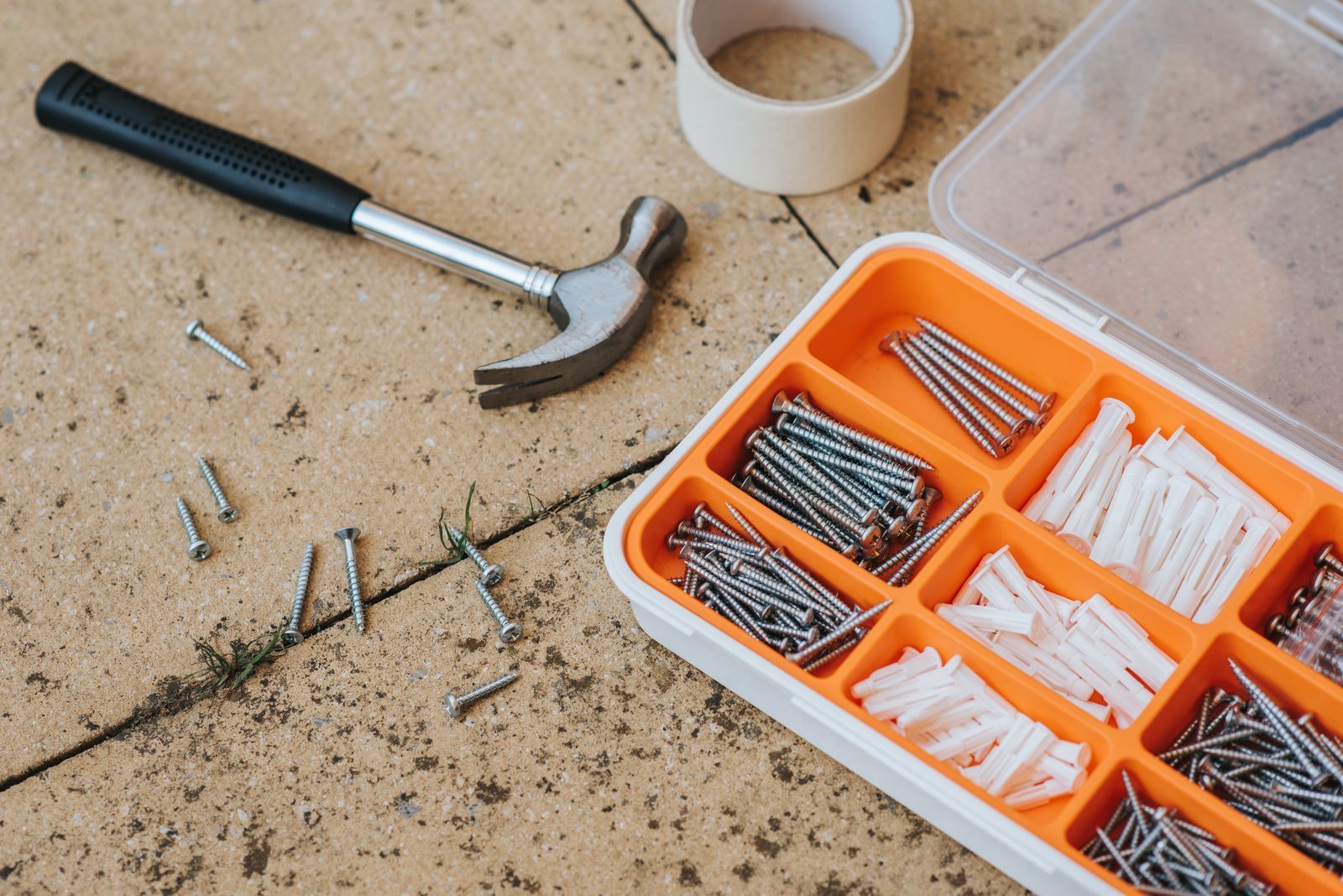
Photo: Max Vakhtbovych on Pexels, used under the Pexels License. Illustrative stock image.
Contact ExploreRPM
Email: support@explorerpm.com
Phone: 512-865-4019
Blogs